Master Adobe Photoshop with Onine Training
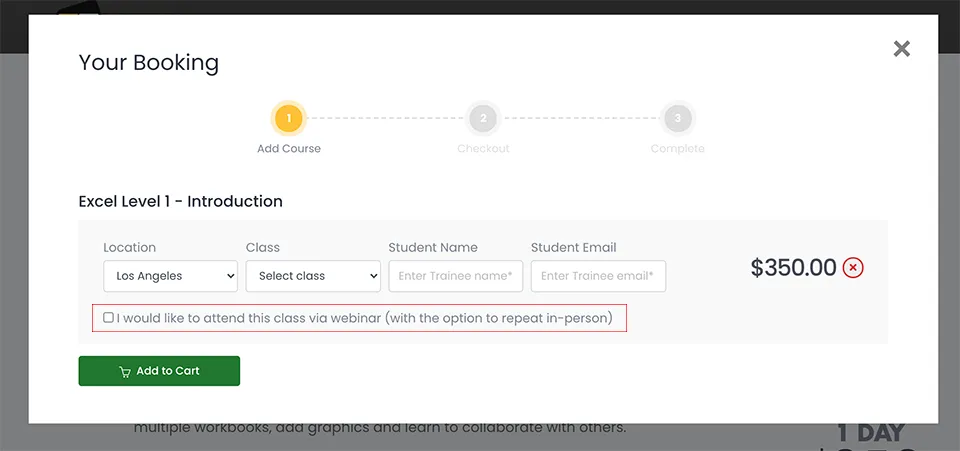
Would you like to learn as a beginner or are you at an advanced level and want to master Adobe Photoshop? There is always something new and exciting to learn regardless of your level, and with the course constantly evolving with the latest iterations and versions every year, you’ll be up to date, current and totally relevant. 2025 brings a whole arsenal of new features – every year we're constantly surprised, and we’re the trainers! When you enrol for one of our photoshop courses – which is super easy to book online – you’ll be invited to our state-of-the-art classrooms in downtown Los Angeles where you’ll experience (and definitely enjoy… or your money back) our hands-on, instructor-led courses covering everything you need to know about graphic design, photography, and digital art. You’ll become a graphic-design-whipping, Photoshop-wielding, high-earning, competition-squashing, digital Yoda in no time.
Let’s dive into what makes our Photoshop training stand out, the top five skills you’ll gain, and how these abilities could be the turning point in your career by supercharging your earning potential.
Top 5 Super Cool Things You’ll Learn in Photoshop Training
1. Mastering Layers and Masks: You’ll learn to organize and manipulate layers and use masks to create stunning, non-destructive edits. First step to smashing this course.
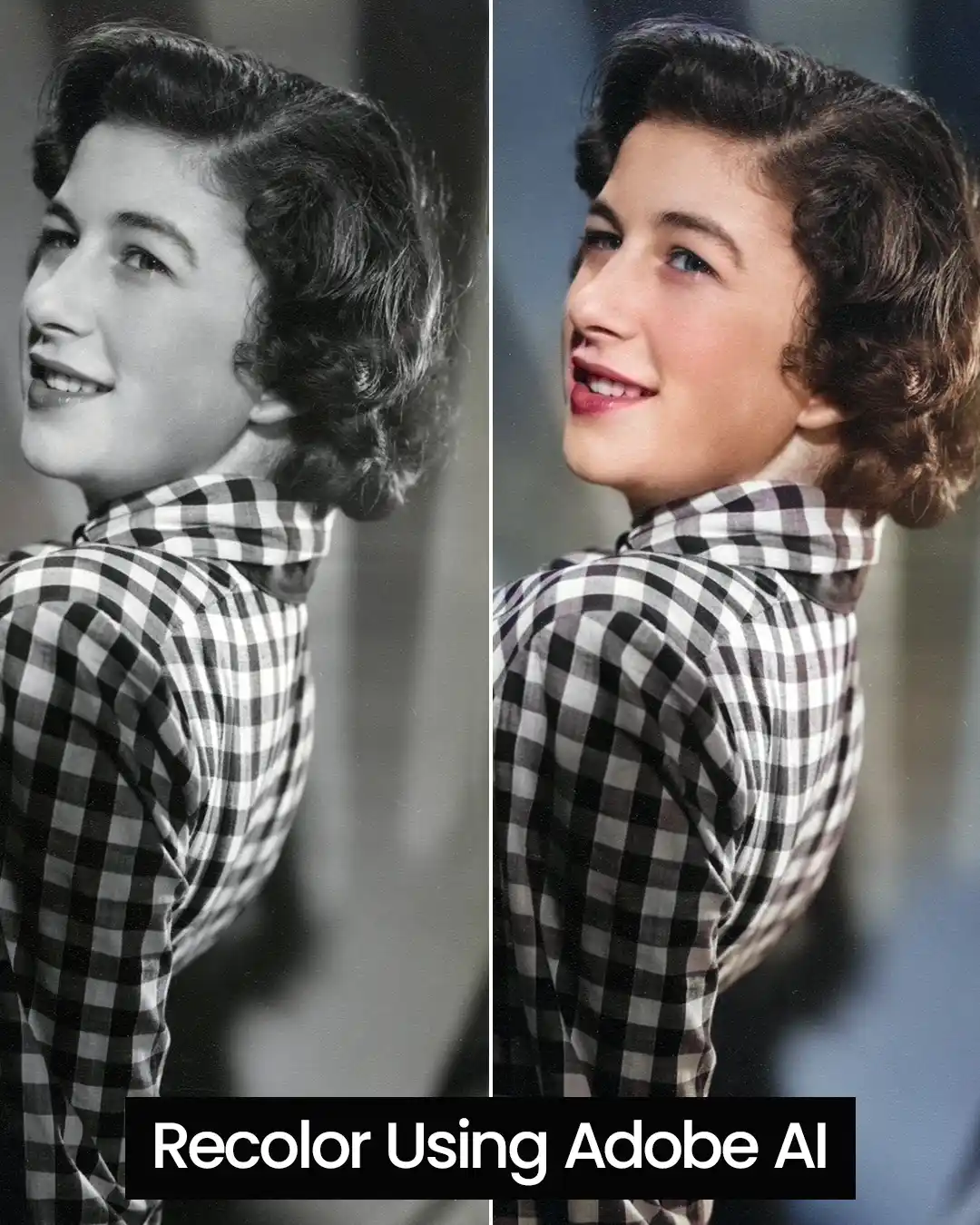
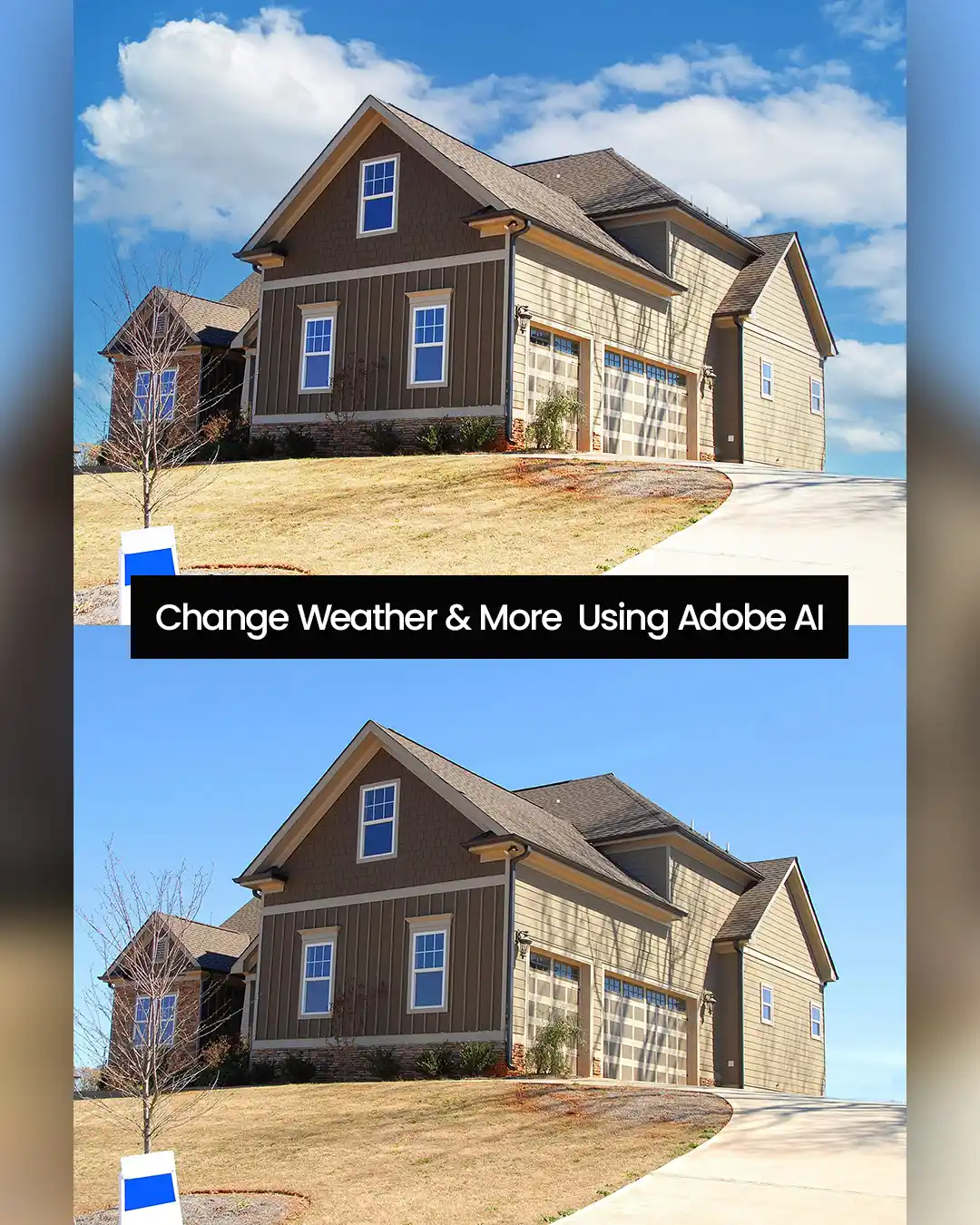
2. Photo Retouching: You’ll master advanced tools like the Healing Brush, Clone Stamp, and Content-Aware Fill to restore and enhance images seamlessly. Second step to impressing your boss.
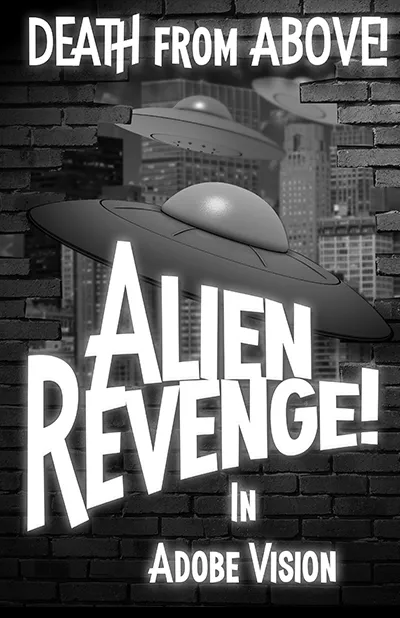
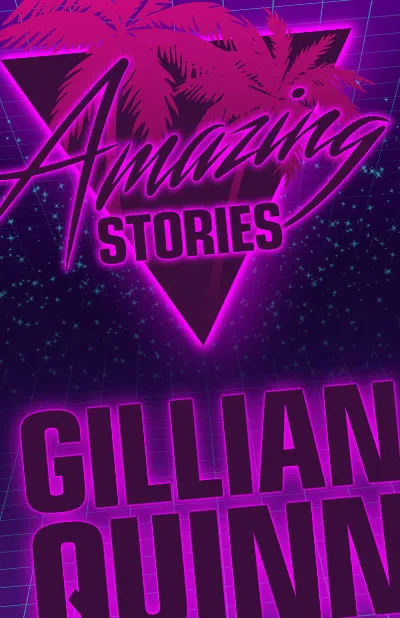
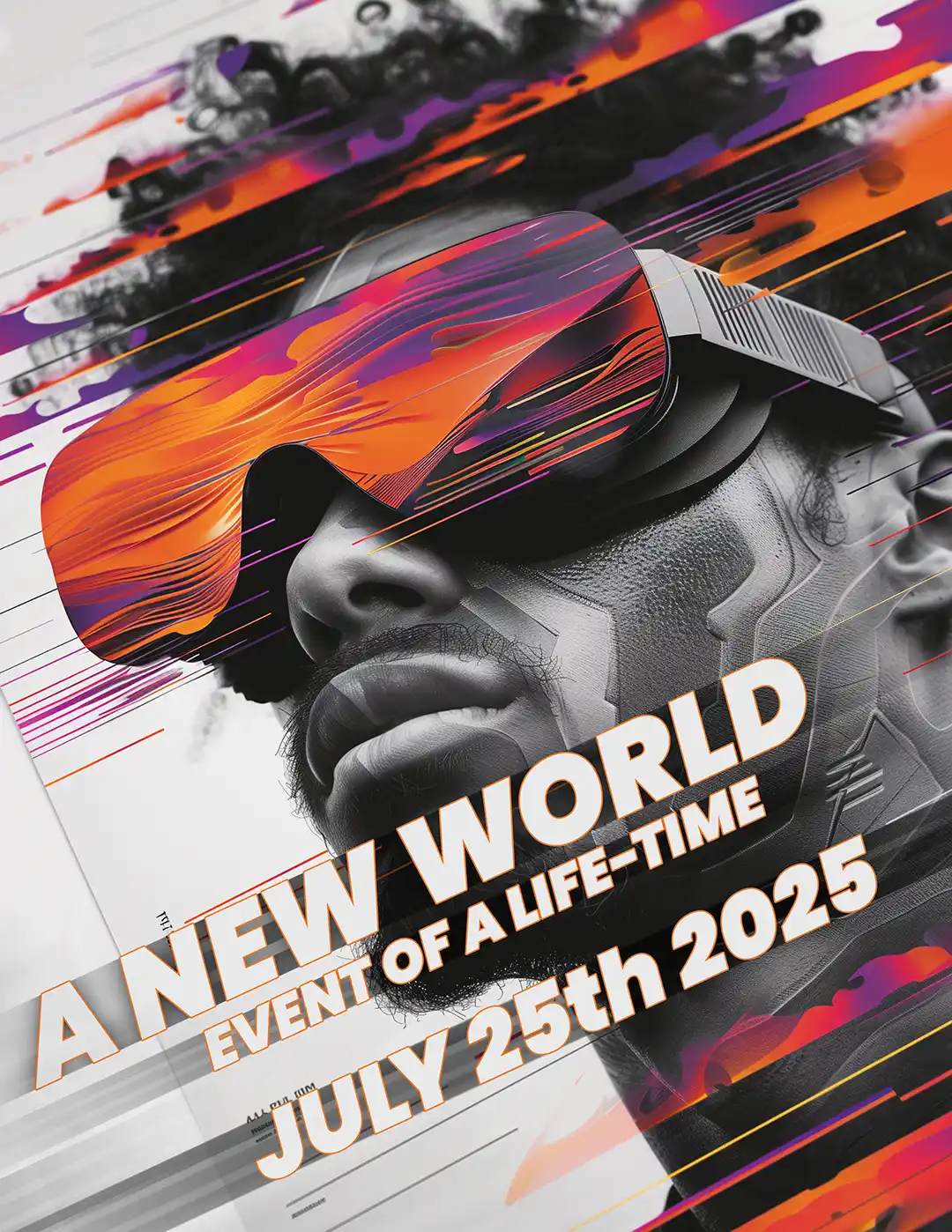
3. Typography and Design: We’ll explore the art of integrating text into your designs with Adobe’s powerful type tools, creating everything from marketing materials to social media graphics. Third step to getting that well deserved raise or increasing your hourly rate.
4. Color Correction and Adjustment: You’ll gain skills and expertise in adjusting brightness, contrast, saturation, and other color properties to make your images jump off the page. Forth step to seriously impressing your clients, team mates, and colleagues.
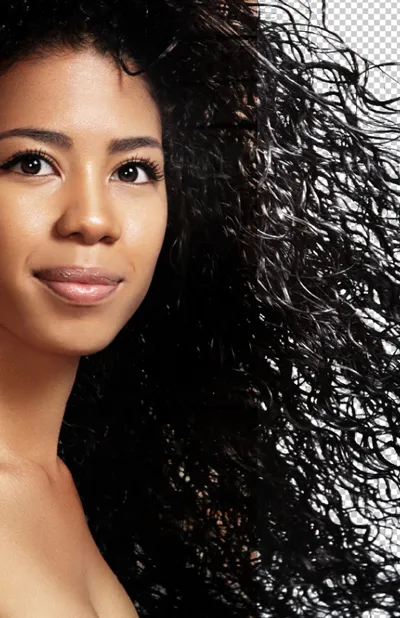
5. Advanced Selection Techniques: You’ll master tools like the Magic Wand, Quick Selection, and Pen Tool for precise cutouts and manipulations. Fifth step and the most important step – feeling a sense of achievement and purpose and wowing yourself with a valuable work and life skill.
These 5 core skills will make sure you’re well-equipped to handle a variety of creative challenges, whether it’s designing a logo, editing a portrait, or creating digital art from scratch.
What Are the Job and Salary Prospects with Photoshop Skills in 2025?
Ok, big talk from us so far, but it’s not pie in the sky we assure you. Below we have included the actual sources to substantiate how we know Photoshop Skills are highly sought-after across multiple industries, making it a fantastic investment for your career. Some of the most popular job roles requiring Photoshop expertise are included – remember these are 'average' and the higher range could be as much as 100% higher depending on the Industry and Location:
Photo Editor: Average salary of $50,000/year (salary.com).
Graphic Designer: Average salary of $53,000/year (nobledesktop.com).
Digital Marketing Specialist: Average salary of $60,359/year (careerfoundry.com).
UI/UX Designer: Average salary of $66,421/year (ziprecruiter.com).
Creative Director: Average salary of $97,000/year (nobledesktop.com).
Whether you’re freelancing, aiming for a corporate role, or simply wanting to take what you already know to the next level, Photoshop skills open the door to a whole host of creative opportunities. It’s one of the reasons we teach it – there’s a clear demand for companies to prioritize visual content and a proficiency in Photoshop so they can improve their bottom line and leapfrog over the competition. Plus, its super interesting, and teaching our students is incredibly rewarding, which is why we love it.
 Photoshop Quick Start